 Refile
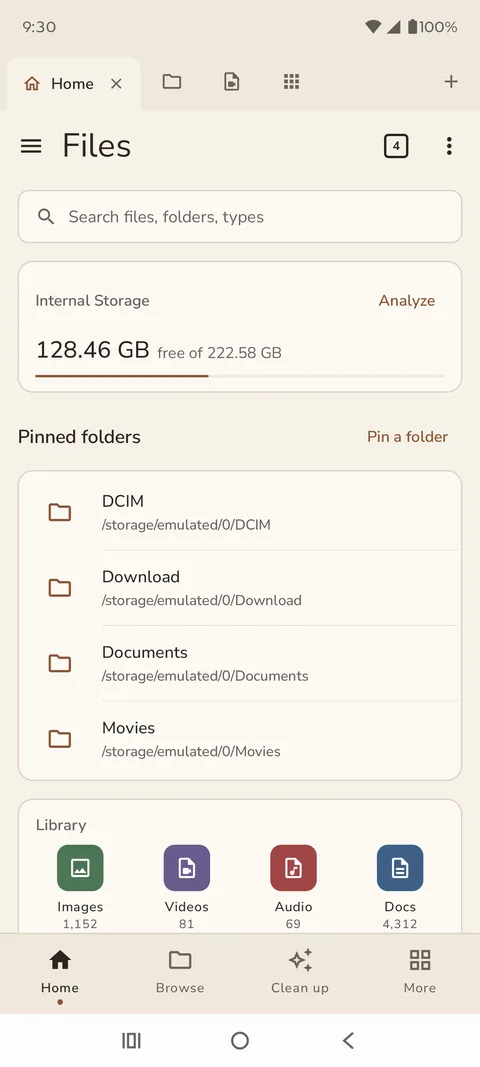
Home
Everything at a glance.
Nothing in the way.
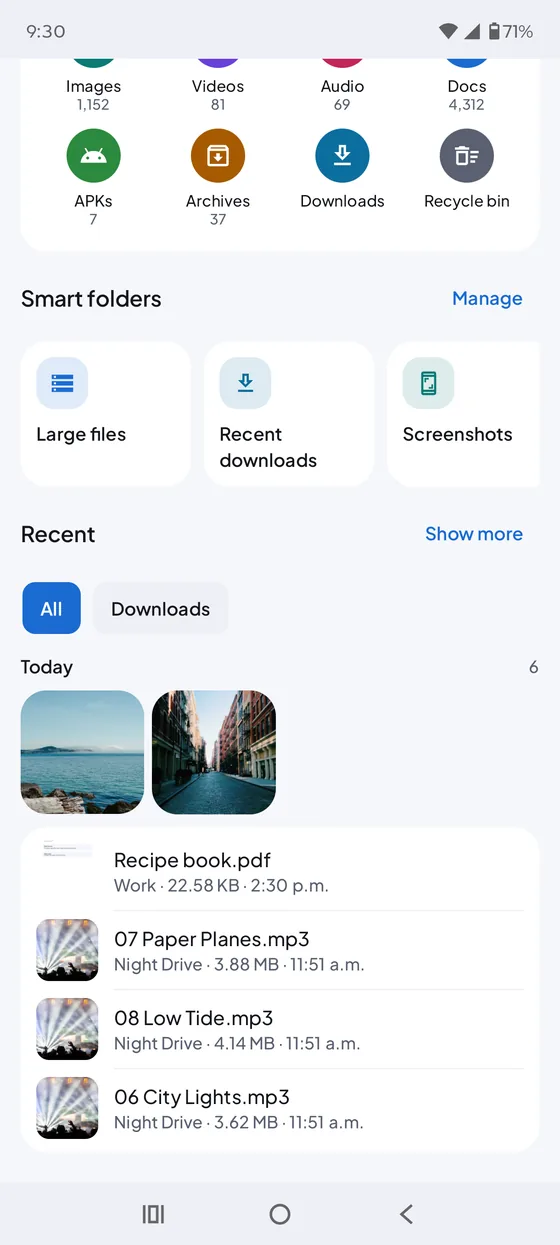
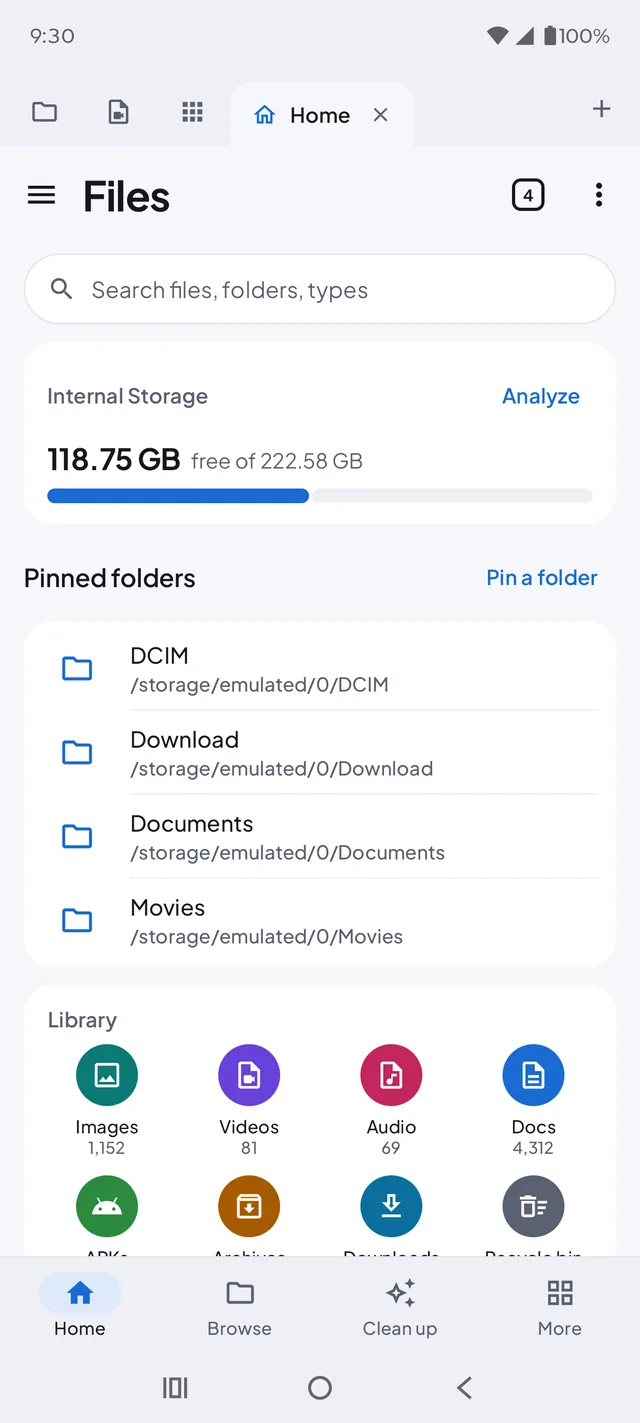
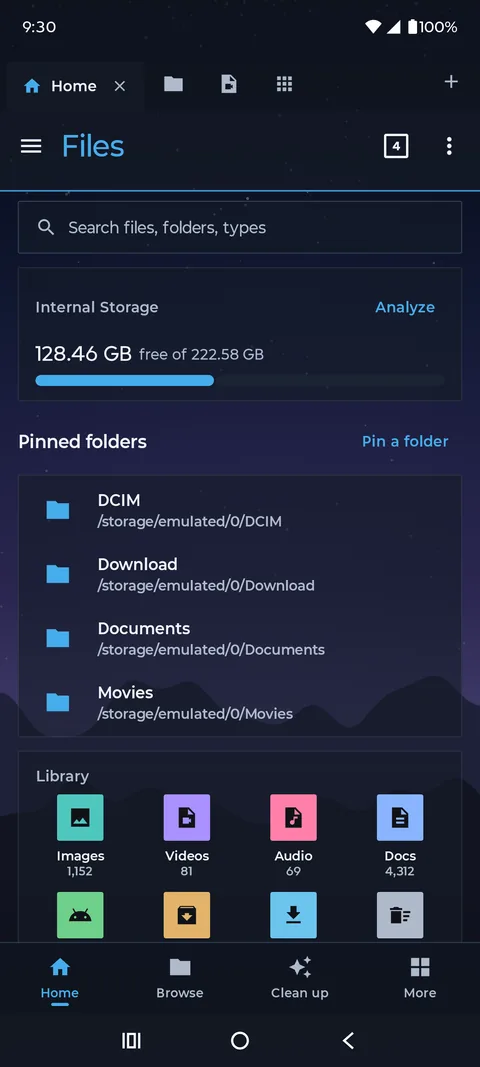
Storage, pinned folders, recent files and your library on one screen. Open as many windows as you like, each with its own tabs.
- Window tabs
- Pinned folders
- Smart folders
- Recycle Bin & undo
- Search
Built-in viewers
Opens everything.
No extra apps.
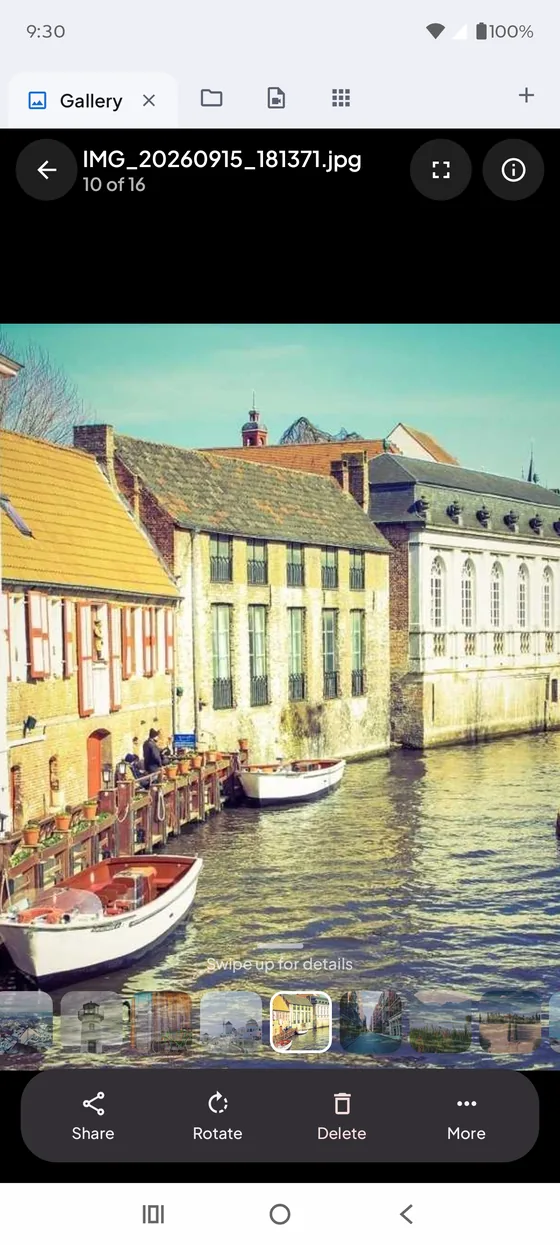
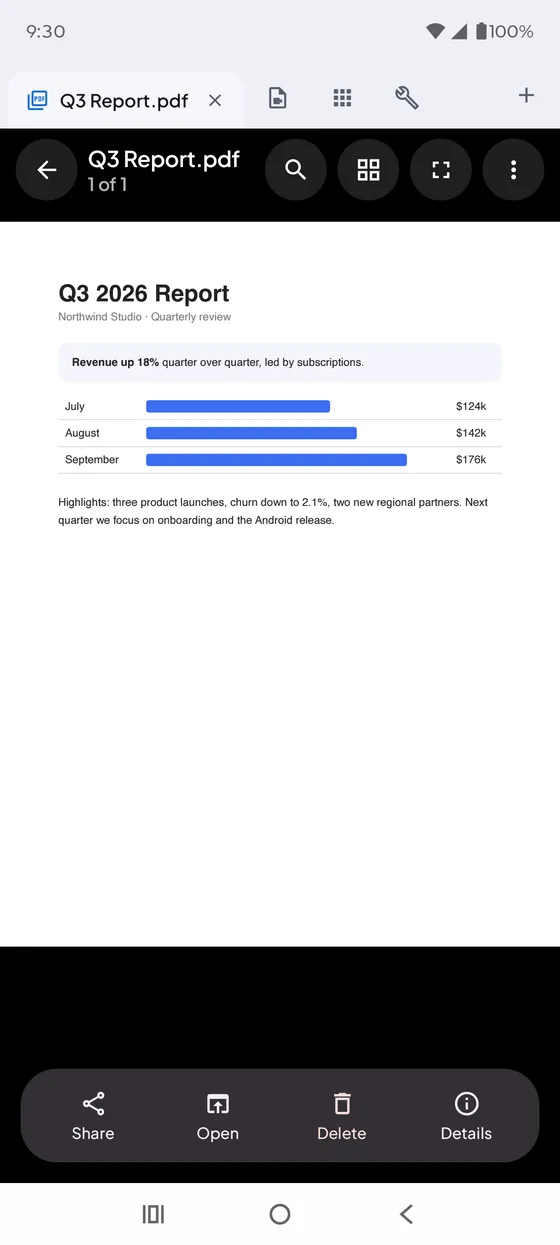
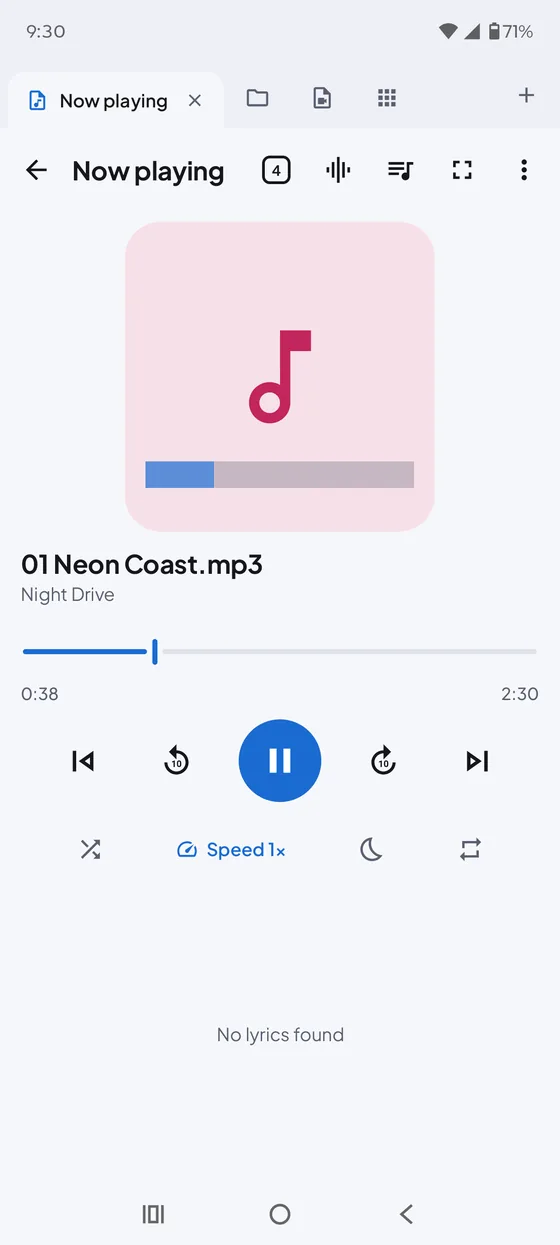
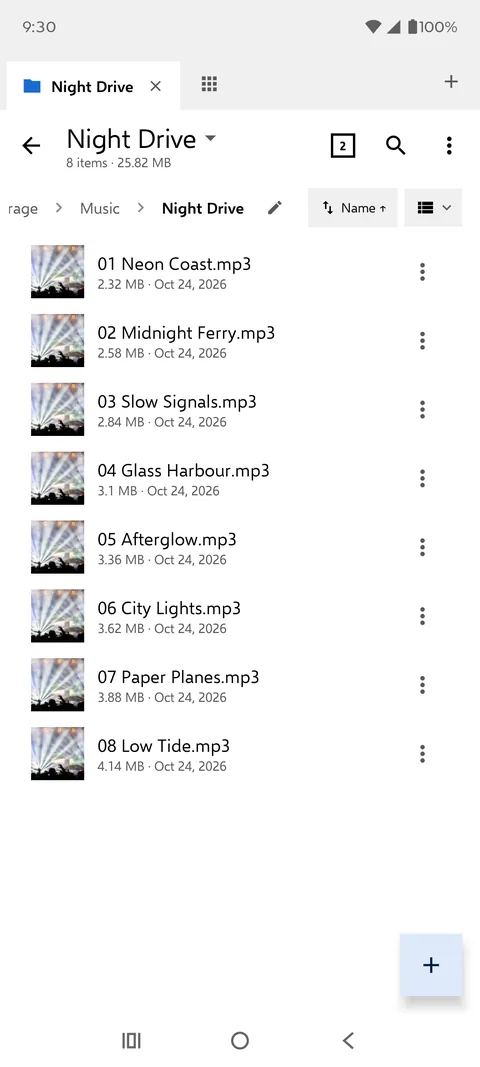
Photos, videos, PDFs, music, books and archives open right in Refile, with a photo editor, playlists, and text, code and hex editors when you need them.
Split pane
Two folders.
Side by side.
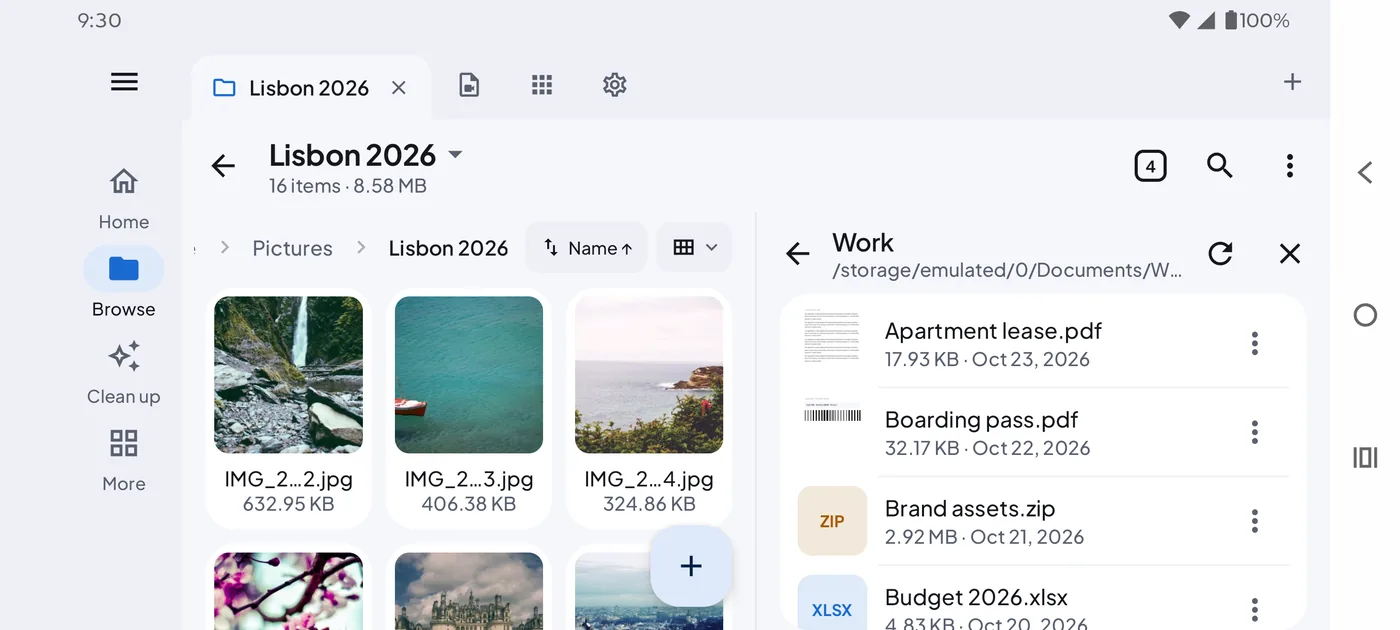
Turn your phone sideways, or open Refile on a tablet or foldable, for two panes. Drag between them, compare folders, and queue copies and moves that survive interruptions.
- Drag between panes
- Compare & sync folders
- Copy & move queue
- zip · 7z · rar · tar
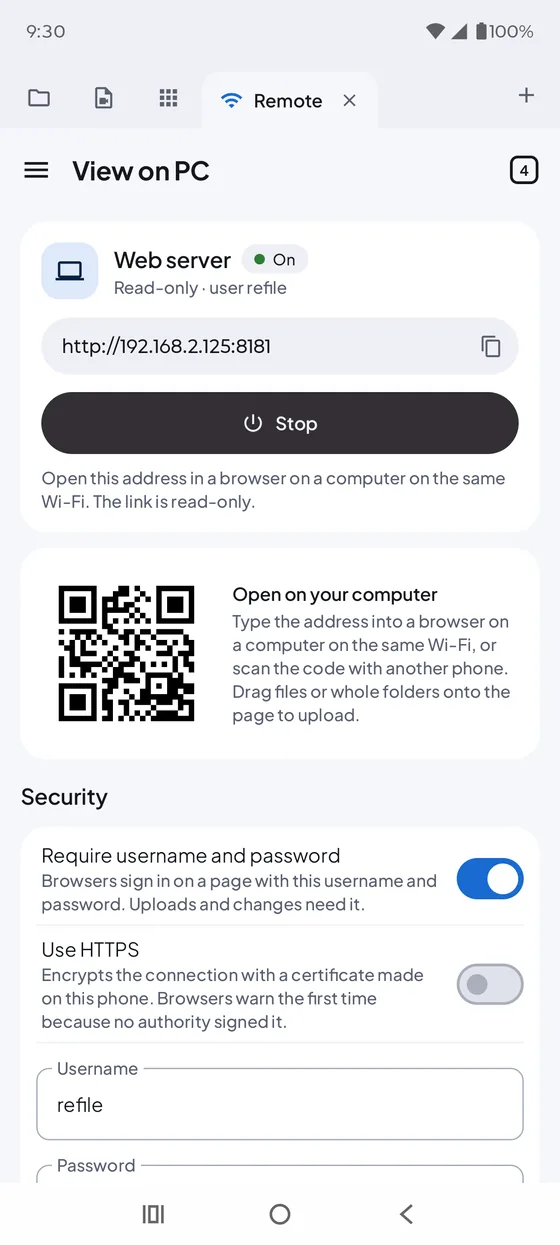
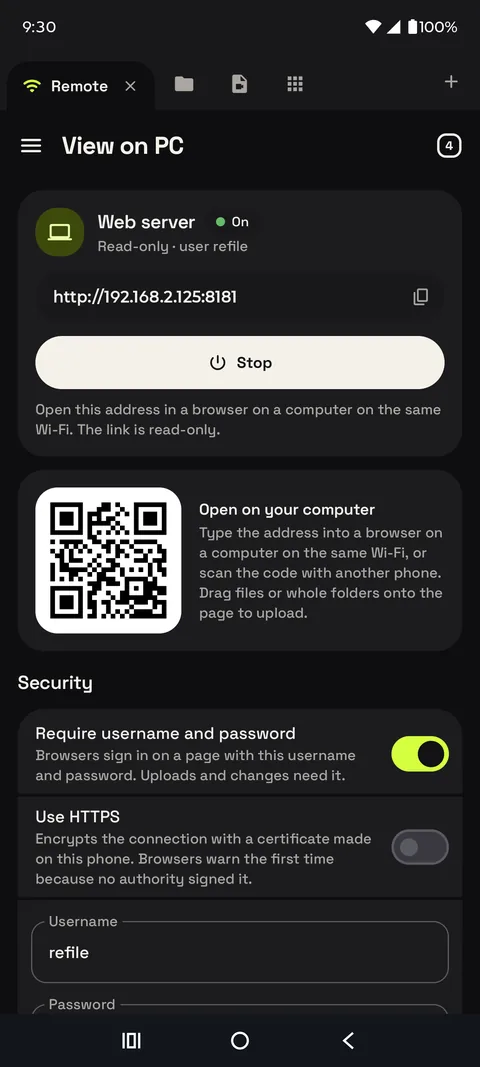
View on PC
Your phone,
in any browser.
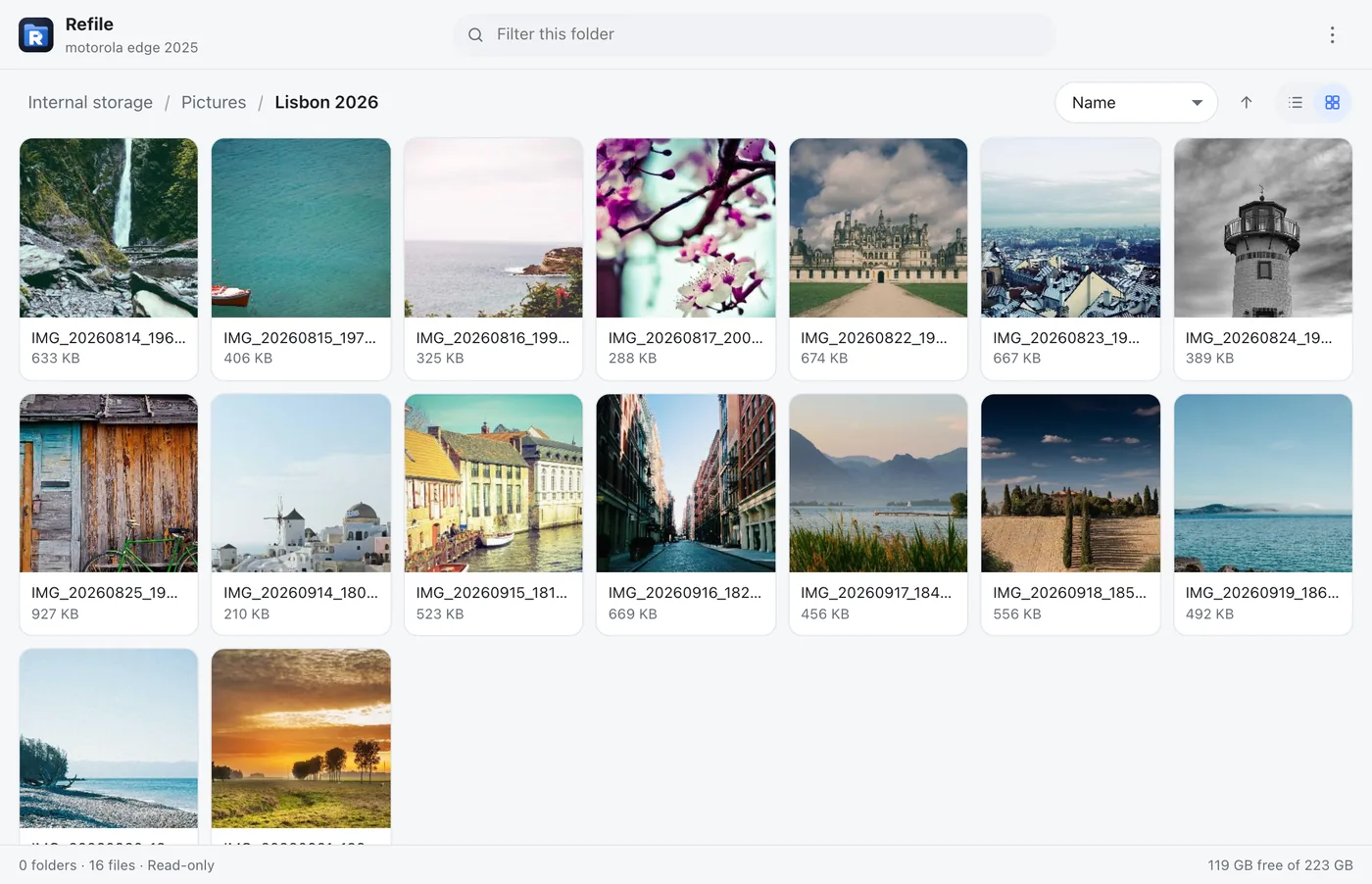
Start View on PC and open the address on a computer on the same Wi-Fi. Browse, download and upload with no cable and nothing to install on the computer. Read-only by default, with an optional password and HTTPS.
- No cable
- Drag-and-drop upload
- QR code
- FTP & SFTP servers
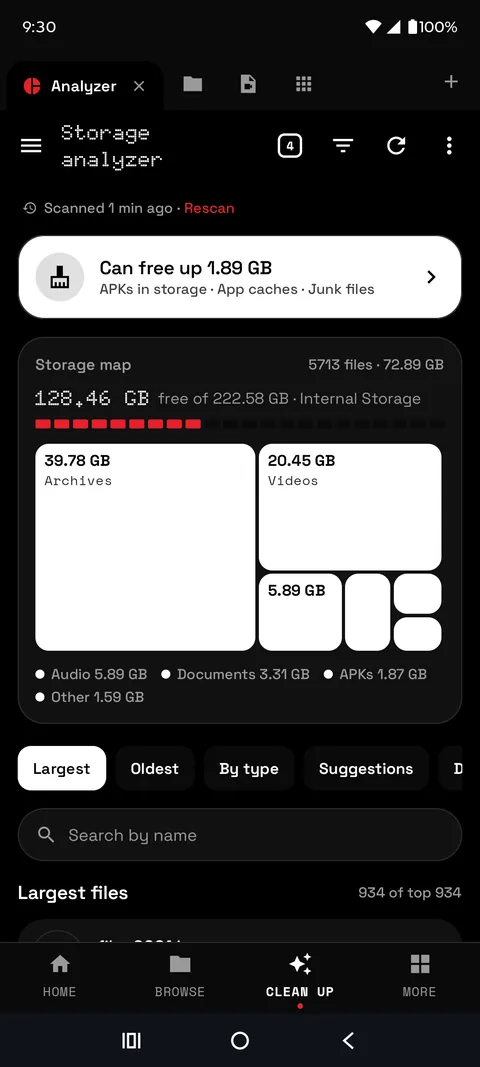
Storage analyzer
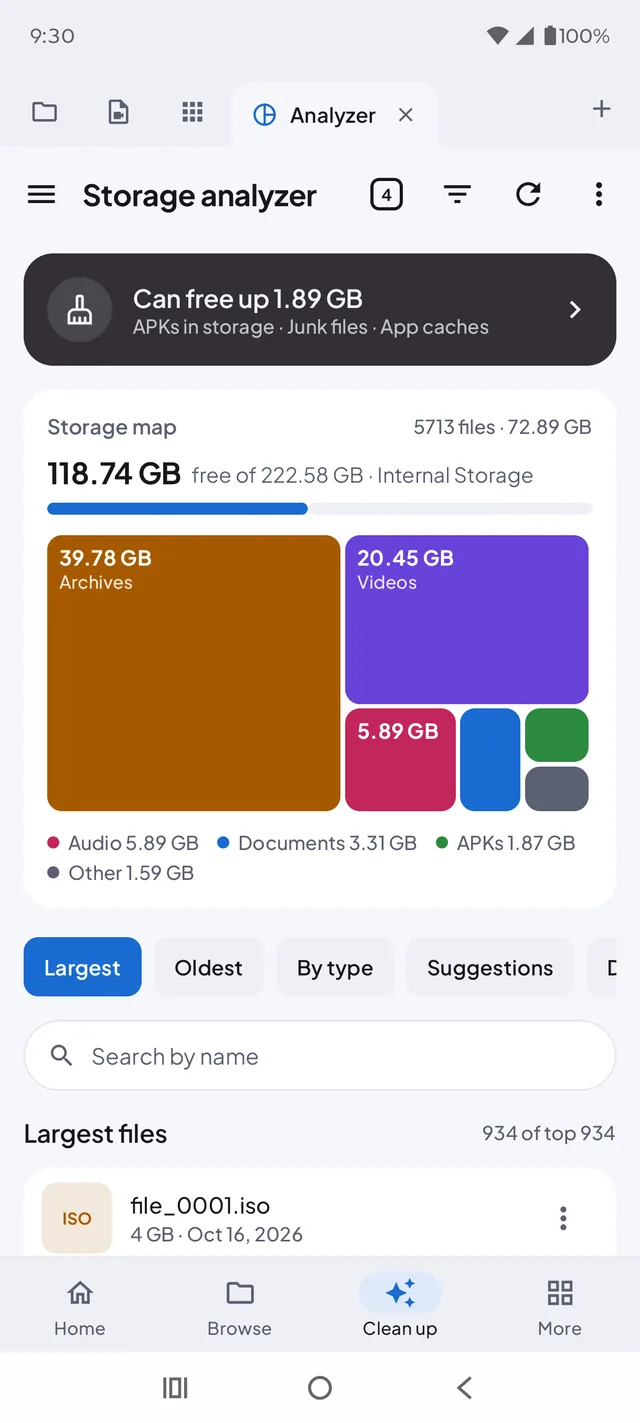
See what's filling
your storage.
A storage map, the largest and oldest files, app caches, junk files and duplicates, each cleared in a tap. Deleted files wait in the Recycle Bin until you're sure.
- Storage map
- Duplicates
- Empty folders
- Junk & caches
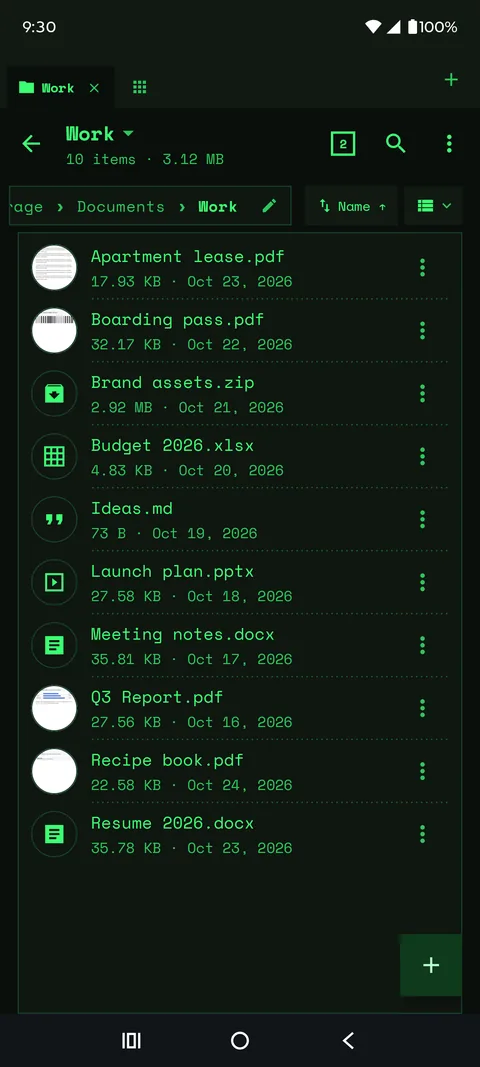
Skins
Your files.
Your look.
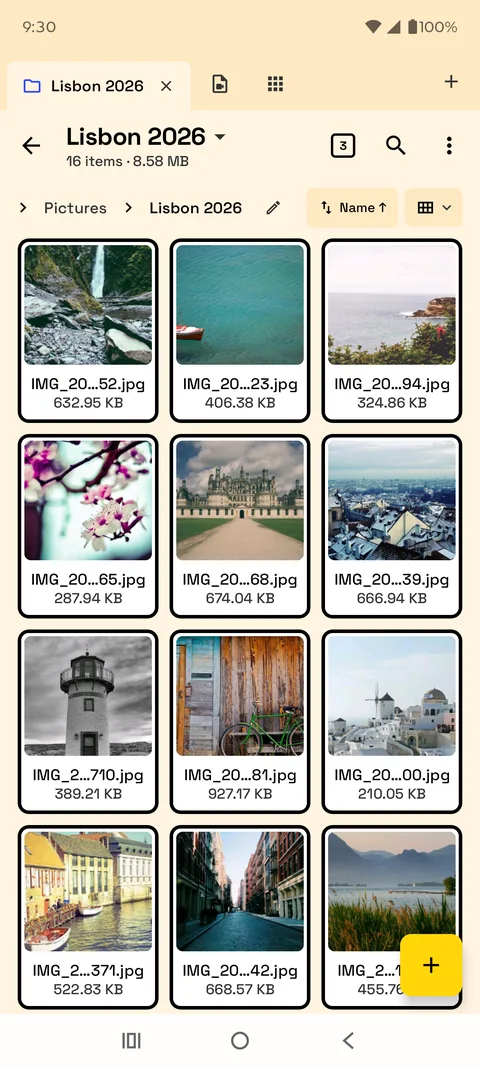
More than 15 skins in light and dark, from quiet to loud. One tap changes the whole app, and you can build and share your own.
Power mode
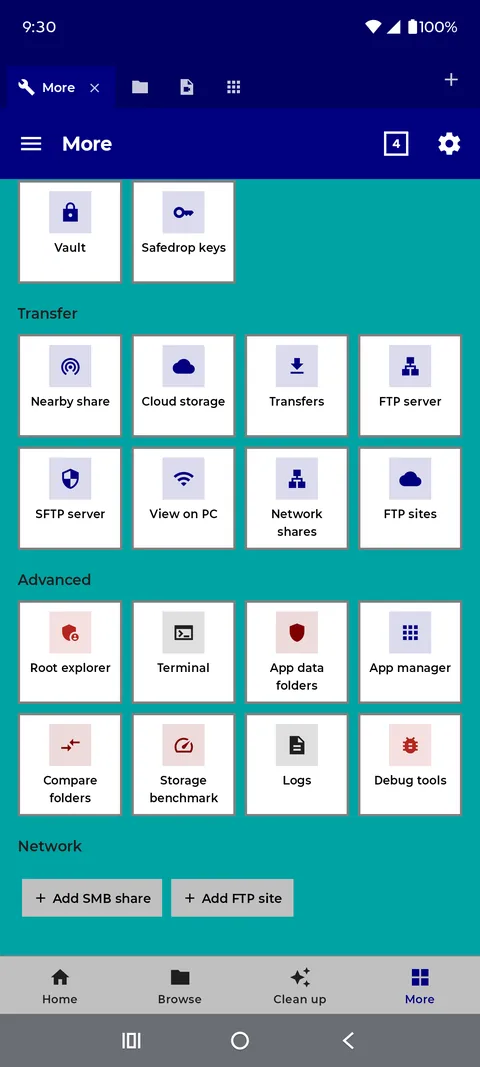
Power tools,
when you want them.
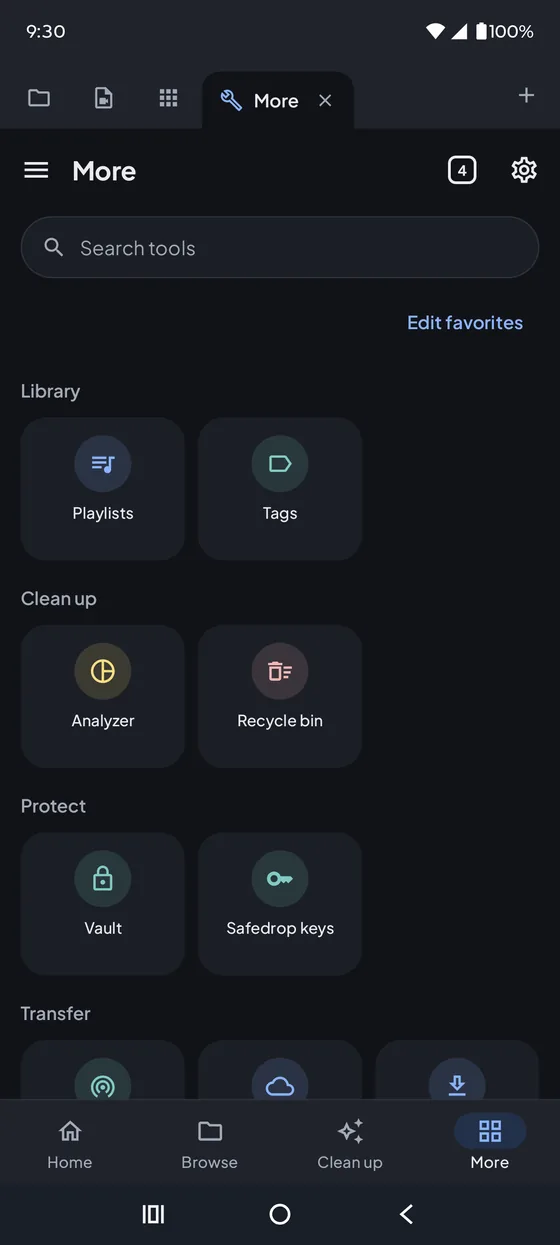
Simple mode keeps Refile calm. Switch to Power mode any time for servers, a root explorer, a terminal, an app manager and more.
- FTP & SFTP server
- SMB · WebDAV
- Root explorer
- Terminal
- App manager
- Nearby share
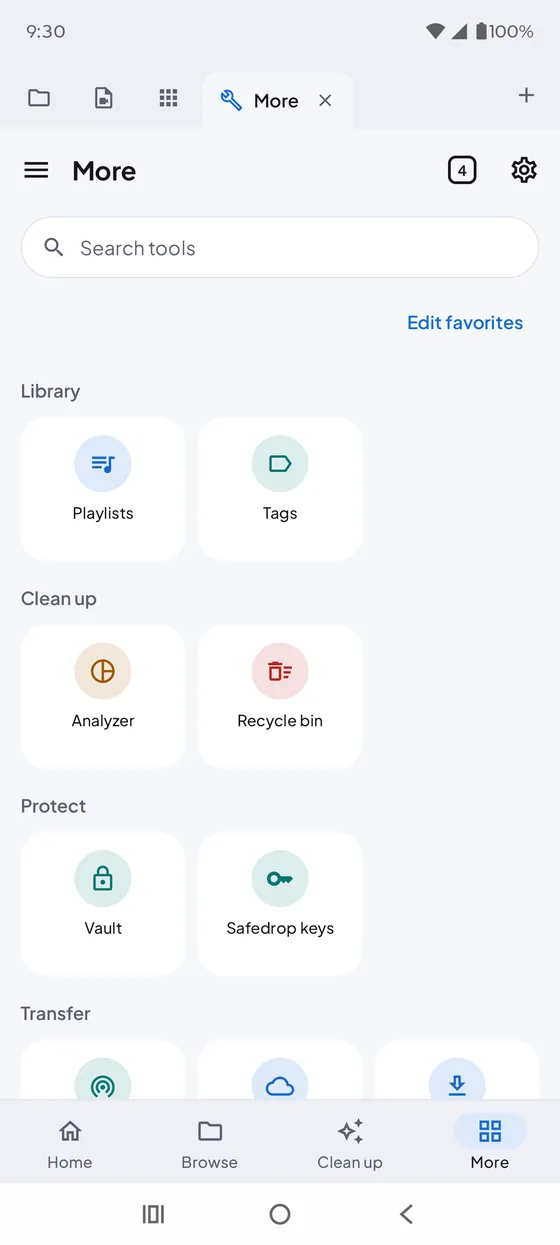
Everything else
One app for all of it.
Browse your way
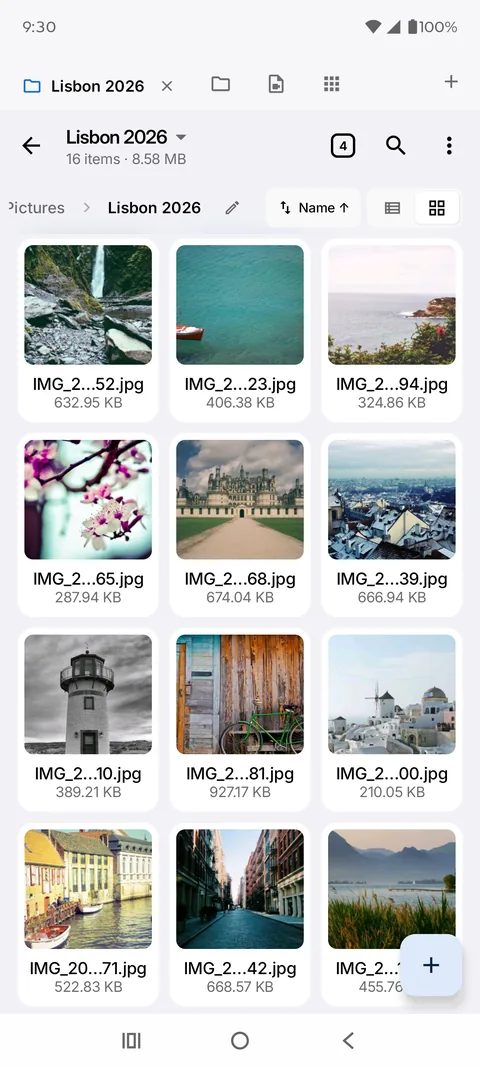
Windows and tabs, split view, list and grid layouts, breadcrumbs, Quick Look previews, search, and a Recycle Bin with undo.
File operations
Copy, move, rename and batch rename, a transfer queue that survives interruptions, folder compare and sync, and zip, 7z, rar and tar archives.
Network locations
SMB, FTP/FTPS, SFTP and WebDAV, streaming media straight from them, and View on PC to manage your phone from a browser on your local network.
Cloud storage
Google Drive, Dropbox, OneDrive and S3-compatible storage (AWS S3, Backblaze B2, Cloudflare R2, Wasabi, MinIO), each opt-in.
Viewers and editors
Photo gallery and image editor, video and audio player with playlists, PDF, book and comic reader, text, code and hex editors.
Privacy and security
An encrypted Vault, app lock, and Safedrop for protected sharing (open Safedrop files without Android). Simple and Power modes, skins, and 24 languages.
Privacy
Your files stay yours.
Refile has no SoftPlex account and no SoftPlex server. Your files, file names and folder contents never pass through us. Everything happens on your device, or directly between your device and a service or computer you choose to connect to.
Optional usage statistics and crash reports can be turned off at any time in Settings → Privacy & security. Read the full Privacy Policy.
Google Drive
How Refile uses Google Drive.
Connecting Google Drive is optional. Nothing contacts Google Drive until you add a Google account in Refile's Cloud storage page. Once you do, Refile asks Google for permission to see, edit, create and delete your Google Drive files, and for your account's email address.
Refile is a file manager, so it needs access to the files already in your Drive, not only files it created. It uses this access only for actions you take in the app:
- listing your folders and files, with Drive's thumbnails and your storage quota;
- opening, previewing and streaming files, and downloading them to your device;
- uploading files, creating folders, and renaming, moving and copying items;
- deleting items, which moves them to your Google Drive trash.
Your email address is shown to tell your connected accounts apart. Sign-in tokens are encrypted and kept only on your device; they are never sent to SoftPlex, never included in Refile backups, and are revoked when you sign out in Refile. You can also remove Refile's access at any time from your Google Account's security settings.
Refile's use and transfer of information received from Google APIs adheres to the Google API Services User Data Policy, including the Limited Use requirements.
Refile Pro
Free to use. Pro if you want more.
Refile is free to use. An optional Refile Pro purchase through Google Play unlocks extras such as more cloud accounts, premium skins and folder sync, with a free trial first. Refile shows no ads.
Support & legal
- Send feedback from the app: Settings → About → Send feedback.
- Email: support@softplex.io
- Open Safedrop files
- Privacy Policy
- Terms & Conditions